In modern office communication, IP phones have become the core device for business calls, and matching compatible headset cables is critical to ensuring stable call quality and seamless device connection. Headset cable compatibility is not universal, and mismatched cables often lead to no audio, failed call control, or distorted sound, so understanding compatibility rules is essential for office users.
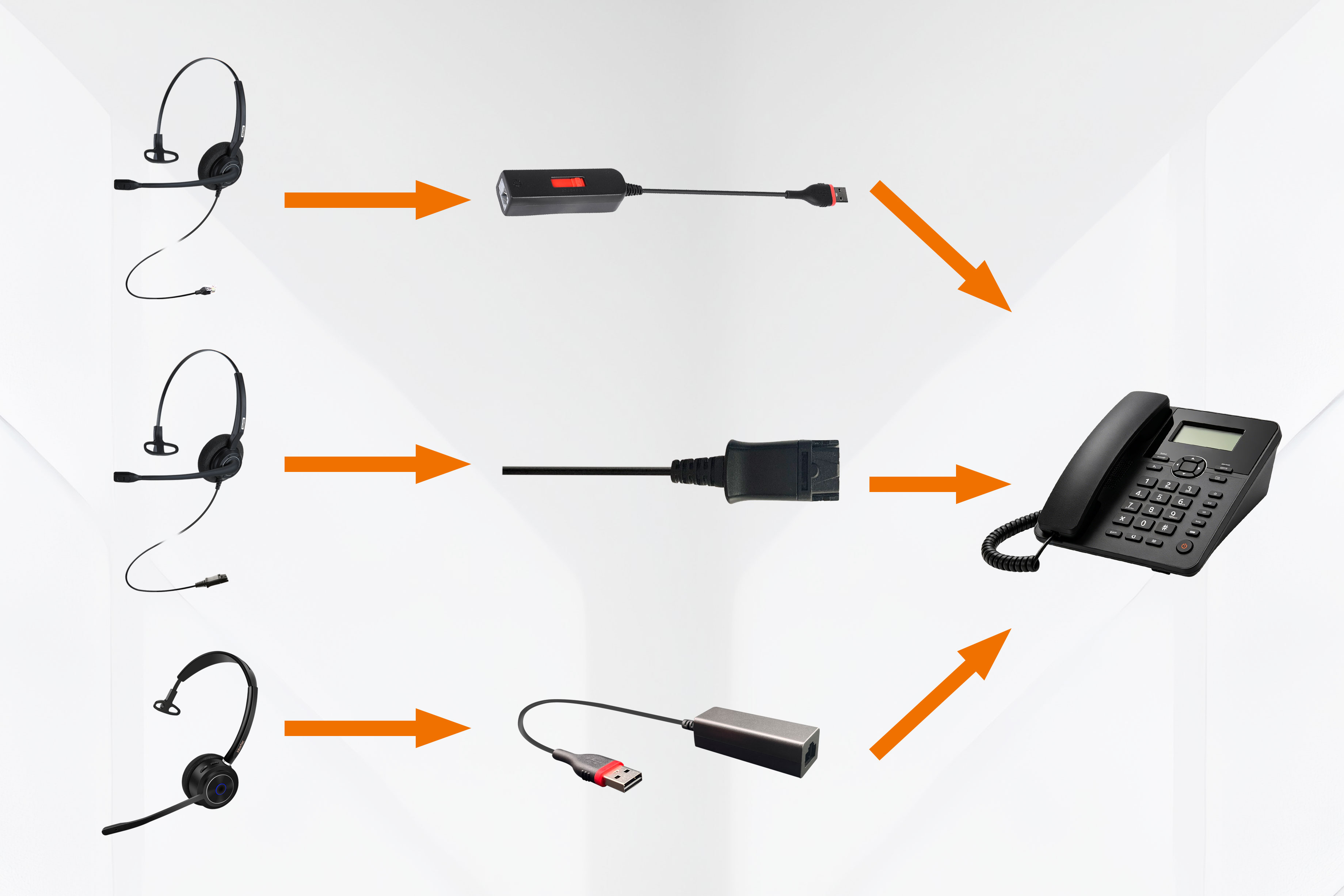
The most fundamental factor affecting compatibility is the interface type. Most traditional IP phones adopt the RJ9 headset jack, the standard port for desk phone audio connections. Meanwhile, modern IP phones are increasingly equipped with USB ports, supporting USB-powered headsets with integrated audio and call control. These two interfaces are physically incompatible, so users must first confirm the port type of their IP phones before selecting cables.
Brand-specific cable standards further complicate compatibility. Leading IP phone brands like Yealink, Polycom, Cisco, and Avaya have unique wiring and pin configurations for their RJ9 ports. For example, Yealink and Grandstream IP phones pair perfectly with Plantronics U10P-S direct connect cables, while Avaya devices require dedicated Jabra GN1216 cables to achieve full audio and call control functions. Inbertec also provides professional cables. Different cables are used to match different IP phones. For example, Yealink and Grandstream adopt the Y wiring code, while Cisco uses the C wiring code. Wireless headsets also need brand-matched Electronic Hook Switch (EHS) cables to enable remote call answering and hanging up, such as Poly APP-51 for Polycom phones and Yealink EHS36 for Yealink devices.
Quick Disconnect (QD) cables add another layer of compatibility consideration. Most professional office headsets use QD connectors for easy cable replacement, but QD interfaces vary by headset manufacturer. A Jabra QD cable cannot connect to a Plantronics headset, even if both fit the same IP phone. Users must match both the headset’s QD standard and the IP phone’s interface requirements.
To avoid compatibility issues, users should first check the IP phone’s user manual for approved cable models, or choose universal adapter cables designed for cross-brand use. Investing in certified compatible cables ensures clear audio transmission, full call control functionality, and long-term device durability. In office scenarios, correct headset cable matching is not just a connection issue, but a key guarantee for efficient and stable business communication.